Duplicate & near-duplicate finder
Burst shots, retakes and screenshots get grouped together so you clear dozens of photos with a single decision.
How to delete duplicate photos on iPhone Photo cleaner - Clean Cut
★★★★★ Rated 4.8 on the App Store
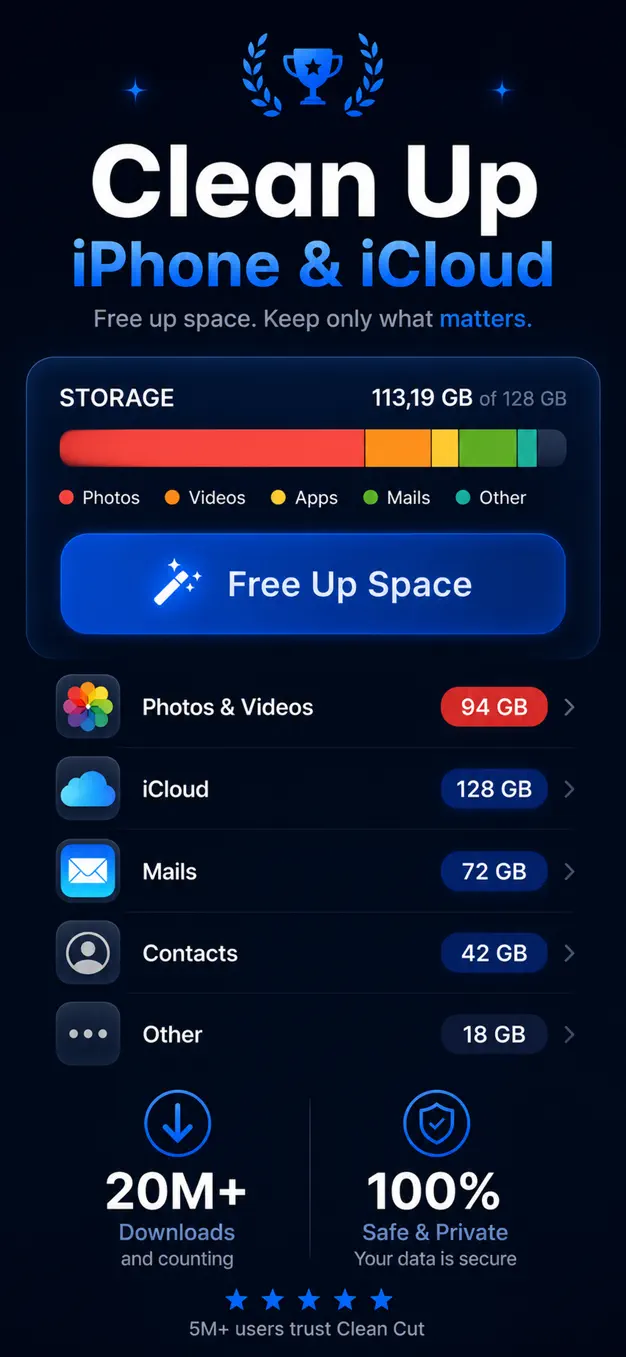
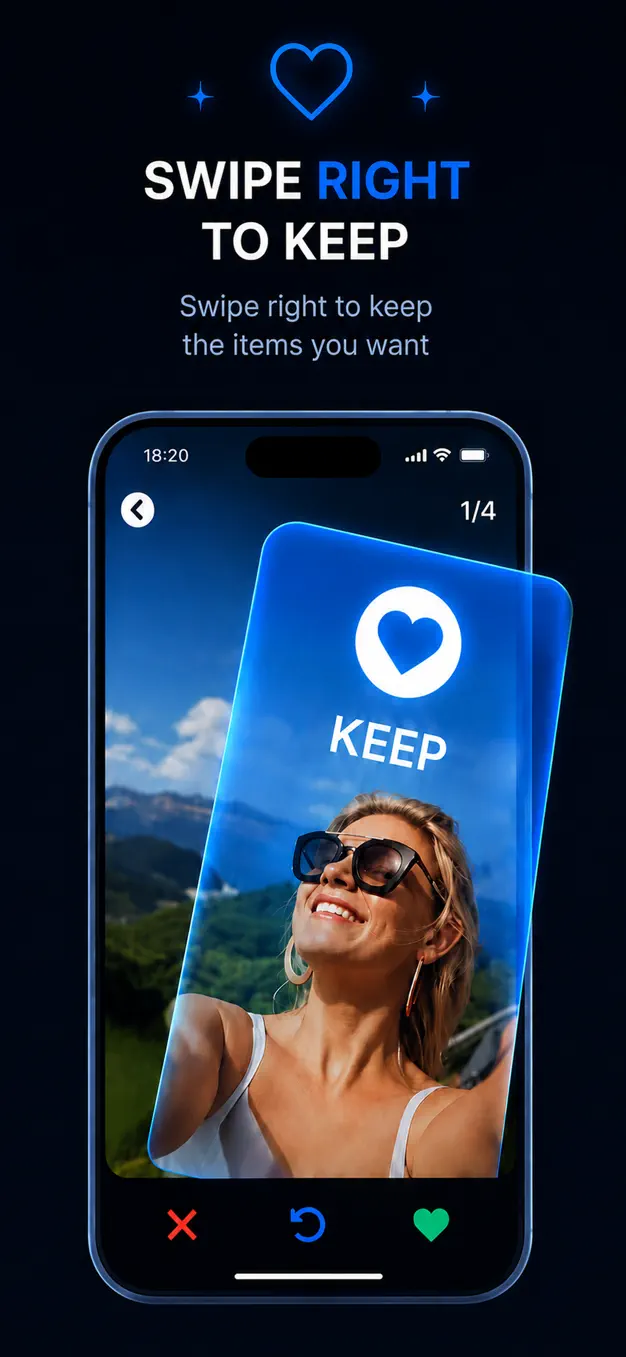
Photo cleaner - Clean Cut finds duplicates and blurry shots, then lets you swipe right to keep and left to bin. Free up gigabytes of storage in minutes — all offline, and never without your say-so.
Built for the 12,000-photo library you have been avoiding since 2019.
Burst shots, retakes and screenshots get grouped together so you clear dozens of photos with a single decision.
How to delete duplicate photos on iPhoneClear focus, eyes on the camera, a real smile — Clean Cut ranks each group and suggests the keeper.
One thumb, one photo at a time — Tinder-style swiping turns hours of pinching and tapping into a few relaxed minutes.
Changed your mind mid-swipe? Pull the photo straight back out of the review pile before anything is deleted.
No uploads, no accounts, no cloud processing. Your library stays on your iPhone.
Free up iPhone storage without paying for a bigger iCloud plan or a new phone.
Clean Cut scans your library on-device and groups similar shots.
Right keeps the shot, left sends it to the bin — one thumb, no menus, no long-presses.
Check the pile, then delete for good and watch your free space grow.


Loved by iPhone owners
★★★★★
“I had 14,000 photos and no idea where to start. Two evenings with Clean Cut and my iPhone finally stopped begging me to buy more iCloud.”
★★★★★
“The swiping is weirdly addictive. It picks the sharpest shot out of every burst, so I never lose the good one — I just lose the eleven bad ones.”
★★★★★
“What sold me is that nothing gets deleted behind my back. Everything waits in the review pile until I say go. That's the confidence I needed.”
★★★★★
“Cleanest utility app I've used in years. It feels like an Apple app, and it does its whole job without sending a single photo anywhere.”
★★★★★
“Freed 22 GB before my holiday. Screenshots from 2019 that I will never look at again — gone in about twenty minutes.”
★★★★★
“My camera roll went from chaos to something I actually enjoy scrolling. Worth the lifetime unlock alone.”
Clean Cut is a free download. Unlock unlimited cleaning with whichever plan suits you — cancel anytime.
Unlimited cleaning, billed weekly. Manage or cancel in iPhone Settings › your name › Subscriptions.
One payment, unlimited cleaning forever. Best if you plan to tidy your library more than once.
Subscriptions auto-renew unless cancelled at least 24 hours before the period ends. Current prices are shown in the App Store.
No. Clean Cut works like a trash folder: everything you swipe away lands in a review pile, and nothing leaves your library until you confirm the deletion yourself.
No. The cleanup runs offline on your device, so your photos are never uploaded to a server and no account is required.
Clean Cut looks at sharpness of focus, whether you are looking at the camera, and whether you are smiling, then suggests the strongest shot from each group of near-duplicates.
You can use the built-in Duplicates album in iOS 16+, clean manually, or use a dedicated photo cleaner app. We walk through all three methods — and the step almost everyone misses — in our step-by-step guide.
Read the guideIt depends on your library, but most people carry thousands of burst shots, retakes and screenshots — clearing those typically frees several gigabytes in one sitting.
Clean Cut is a free download. Inside the app you can unlock unlimited cleaning with a weekly plan or a one-time lifetime purchase, and you can manage it anytime in iPhone Settings › your name › Subscriptions.
Clean Cut runs on any iPhone with iOS 17.0 or later.
Guides
The full order of operations — offloading apps, clearing caches, and the photo cleanup that frees the most space.
Read the guide →An honest side-by-side comparison of duplicate detection, similar-photo grouping, privacy and pricing.
Read the guide →The built-in Duplicates album, the manual method, and the step most people miss.
Read the guide →Thousands of forgotten duplicates are sitting in your camera roll. Swipe them away in a single sitting.